Stick a QR code anywhere — guests find what they need
Generate unlimited QR codes for the full guide or any specific section. Print them, place them where guests need them most, and stop repeating yourself.
Free · Unlimited QR codes
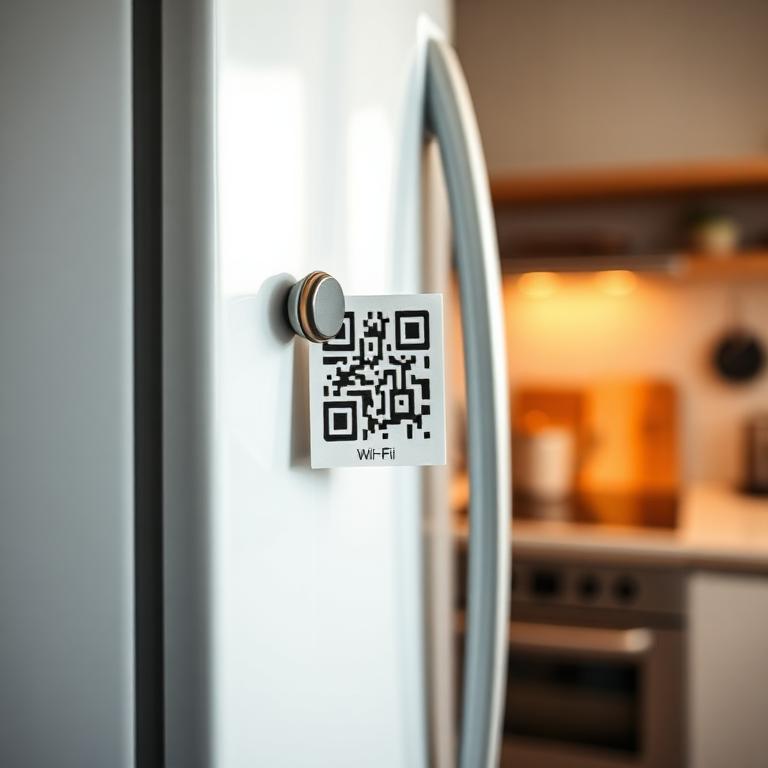
On the fridge
Wi-Fi
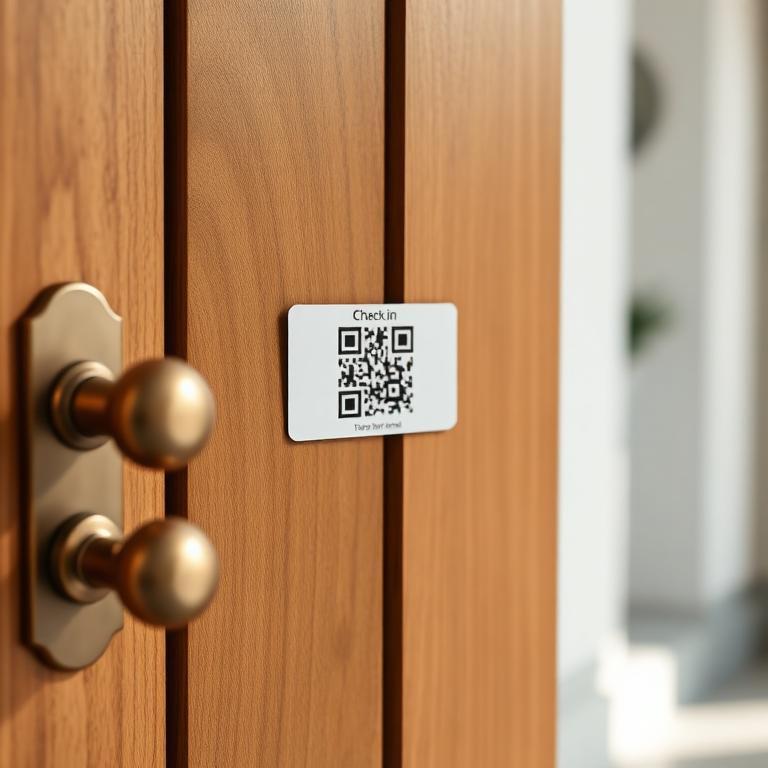
On the door
Check-in
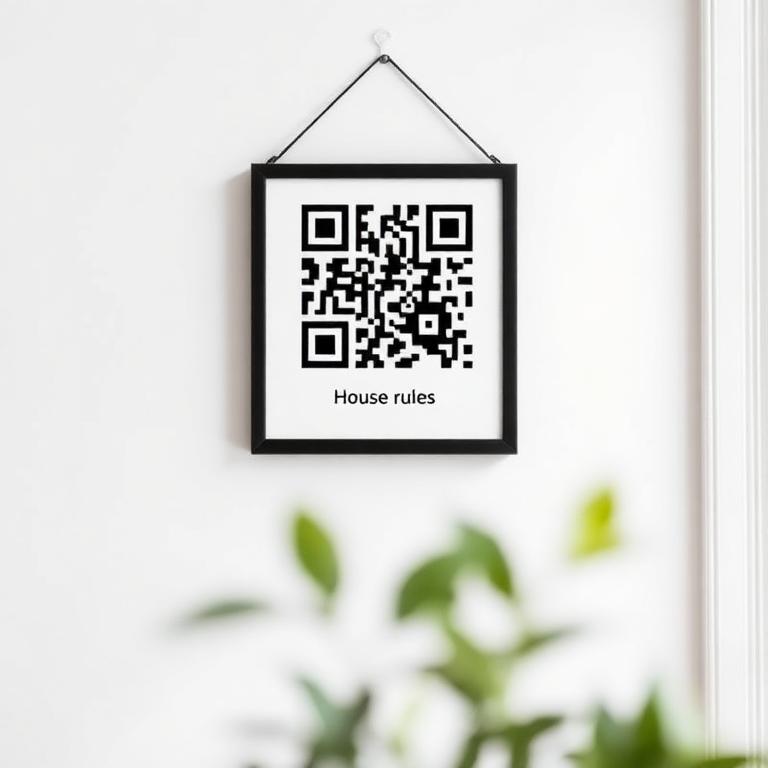
On the wall
House rules
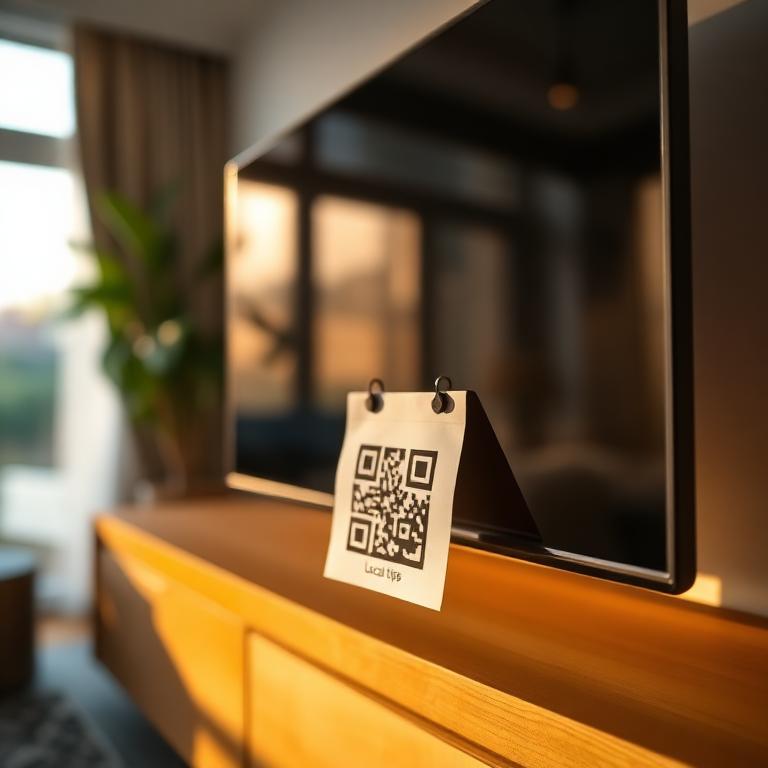
On the TV
Local tips
What are guideMe QR codes?
Every guideMe guidebook generates as many QR codes as you need — for the full guide or for any specific section. Print them, place them around the property, and your guests get instant, contextual answers without ever having to ask.
A QR on the fridge for the Wi-Fi. One next to the oven for the manual. One by the door for check-out instructions. One on the welcome card for the full digital guide. The right info, exactly where it's needed.
Why hosts use QR codes
Zero friction for guests
Phone camera + scan = instant access. No typing, no searching.
Contextual placement
QR by the appliance shows the manual. QR on the door shows check-out steps.
Print-ready templates
Table tents, magnets, door signs — designed and ready to print.
Branded design
Add your logo, choose colours, match your property's style.
Track which work best
See which QR codes get scanned most — and where to add more.
Unlimited & free
Generate as many as you need on every plan, including the free tier.
How it works
- 1
Pick a section
Wi-Fi, check-in, an appliance manual, or your full guide.
- 2
Customise the design
Logo, colours, and choose a print template.
- 3
Download and print
PDF, PNG or SVG — ready for any printer or label maker.
- 4
Stick it in the right spot
Fridge, door, oven, welcome card. Guests scan and get instant answers.
What's included
- Unlimited QR codes on every plan
- Per-section deep links (not just the homepage)
- Custom colours, logo, branding
- Print-ready templates (table tent, magnet, door sign)
- Scan analytics per QR code
- PDF, PNG, SVG export
Frequently asked questions
Can I generate a QR code for a specific section?+
Yes — every section of your guide (Wi-Fi, check-in, manuals, local tips) has its own URL, so you can print a dedicated QR for each spot in the property.
Are the QR codes free?+
Yes, unlimited QR codes are included in every plan, even the free one.
Can I customise the look of my QR codes?+
Yes — choose colours, add your logo, and pick from print-ready templates (table tent, fridge magnet, door sign).
Do QR codes work without internet?+
Guests need a connection to load the guide initially, but once it's open it can be saved offline as a PDF or wallet pass.
Ready to wow your guests?
Join hundreds of hosts who replaced their paper booklet with an elegant digital guide.
Create my guide now